-
When your WordPress site is working fine, maintenance feels unnecessary. Why fix what isn’t broken? We hear this from business owners all the time. The problem is that WordPress maintenance isn’t about fixing things that are broken. It’s about preventing things from breaking in the first place. And when maintenance is neglected, the consequences follow…
-
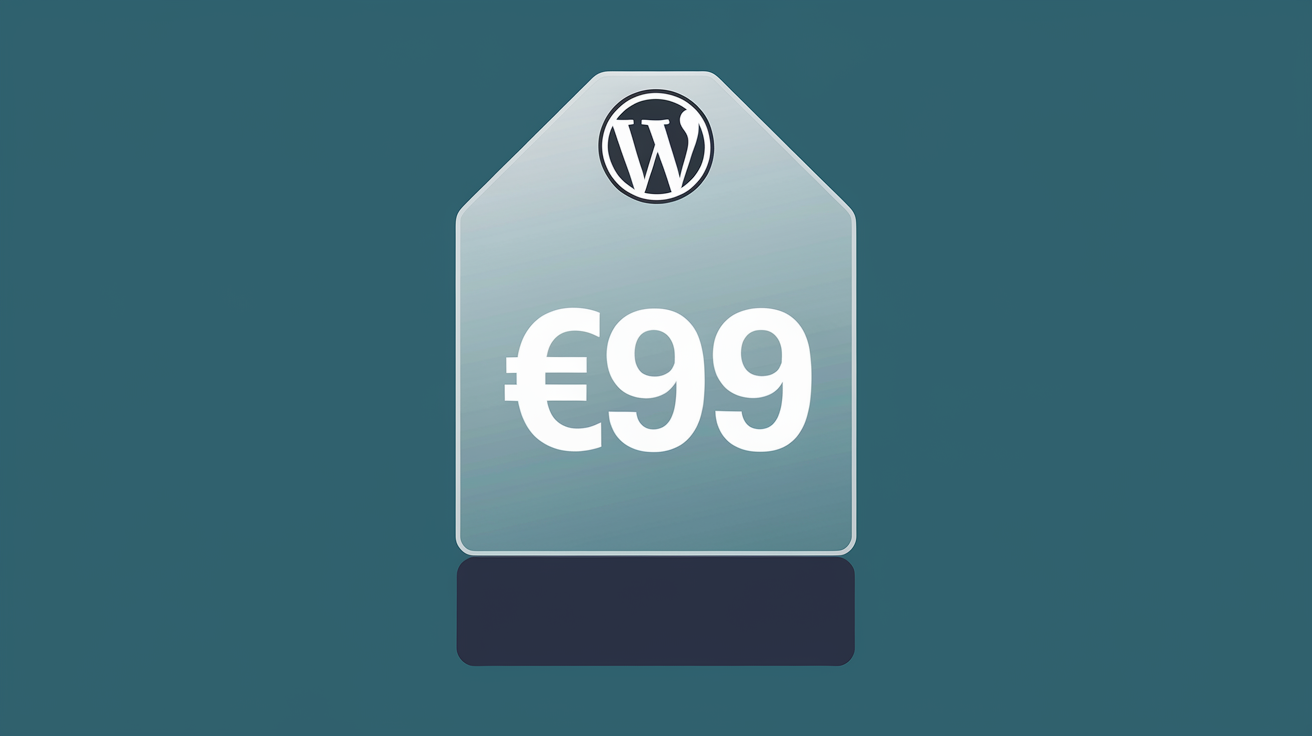
Your WordPress site is broken and you need it fixed. The first question is always: how much is this going to cost? It’s a fair question, and unfortunately, the WordPress services market makes it surprisingly hard to get a straight answer. We believe in transparency, so let’s break down what the market looks like, why…
-
Moving a WordPress site to a new hosting provider should be straightforward. In practice, it rarely is. Even when the migration itself goes smoothly, there’s a whole category of issues that tend to surface once the site is live on its new server. We see them regularly because site migrations are one of the most…
-
If there’s one piece of WordPress maintenance advice we could give every site owner, it would be this: keep your plugins updated. Outdated plugins are responsible for the overwhelming majority of WordPress security breaches. It’s not even close. Study after study puts the figure at over 90% of WordPress hacks being traced back to vulnerable…
-
WordPress powers over 40% of all websites on the internet. That popularity makes it a prime target for hackers, bots, and malicious scripts. The good news is that most WordPress security breaches exploit basic vulnerabilities that are entirely preventable. We’ve put together this 10-point checklist based on the most common weaknesses we see on the…
-
Few WordPress errors are as alarming as seeing “Error Establishing a Database Connection” where your website should be. This message means WordPress is trying to connect to its MySQL database and failing. Since everything on your site, every page, every post, every setting, lives in that database, nothing can load without it. The good news…
-
You clicked “Update” and now your site is broken. Maybe it’s showing errors, maybe the layout is mangled, or maybe it won’t load at all. WordPress updates are essential for security and performance, but when they go wrong, they can bring your entire site down. Don’t panic. In most cases, you can roll back to…
-
You go to load your WordPress site and instead of your homepage, you see nothing. Just a blank white screen. No error message, no helpful text, nothing. Welcome to the WordPress White Screen of Death, or WSOD as it’s commonly known. It’s one of the most frustrating WordPress errors because it gives you absolutely no…
-
A slow website is more than just an annoyance. It costs you customers. Research consistently shows that visitors abandon sites that take more than three seconds to load, and Google uses page speed as a ranking factor. If your WordPress site is sluggish, you’re losing business every single day. The good news is that most…
-
Nobody expects their website to get hacked. For most small business owners, the thought doesn’t even cross their minds until it happens. But WordPress sites are targeted every single day, and the longer a compromise goes undetected, the more damage it causes to your business, your reputation, and your customers’ trust. Here are five clear…